STREETS VII

$20.00

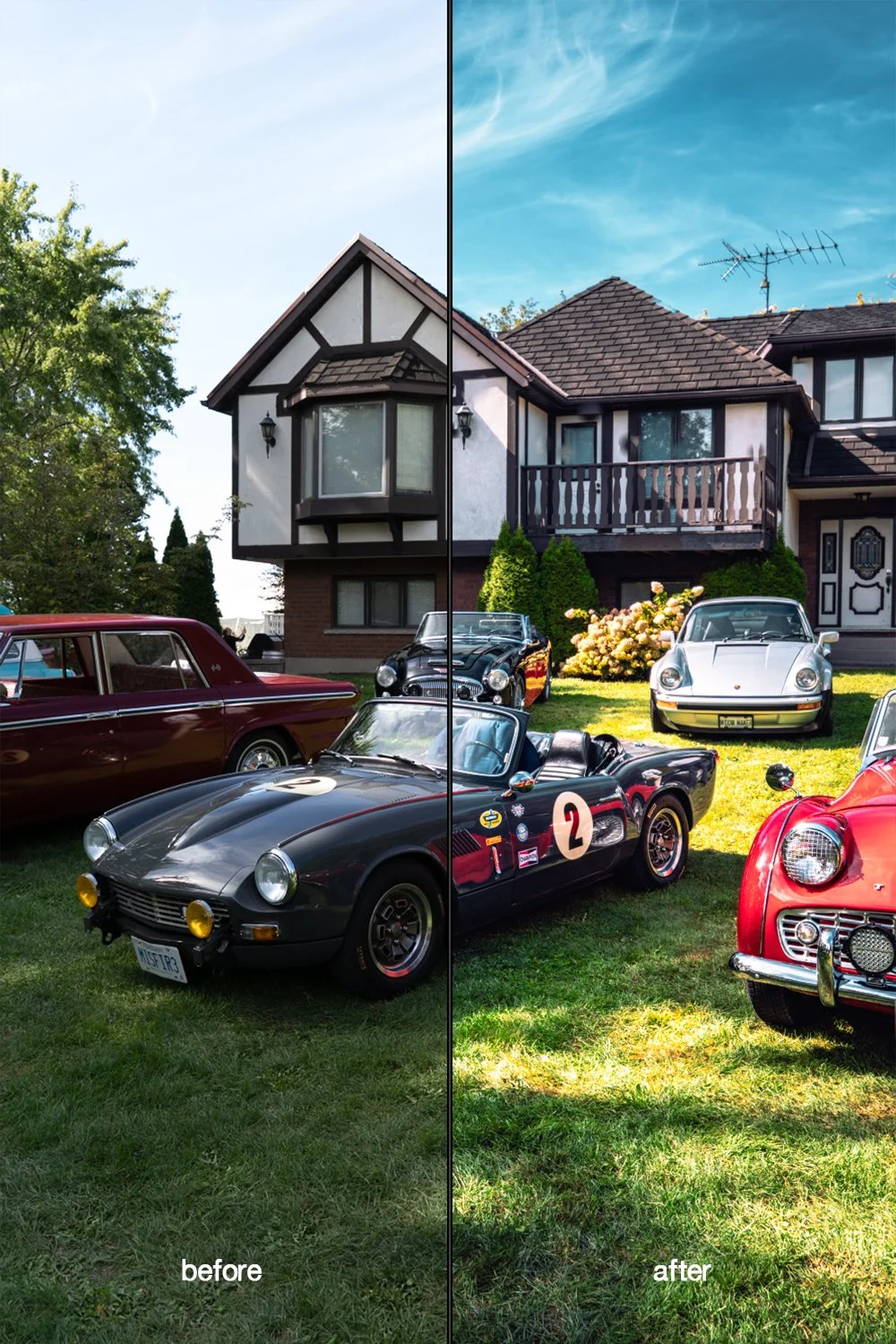
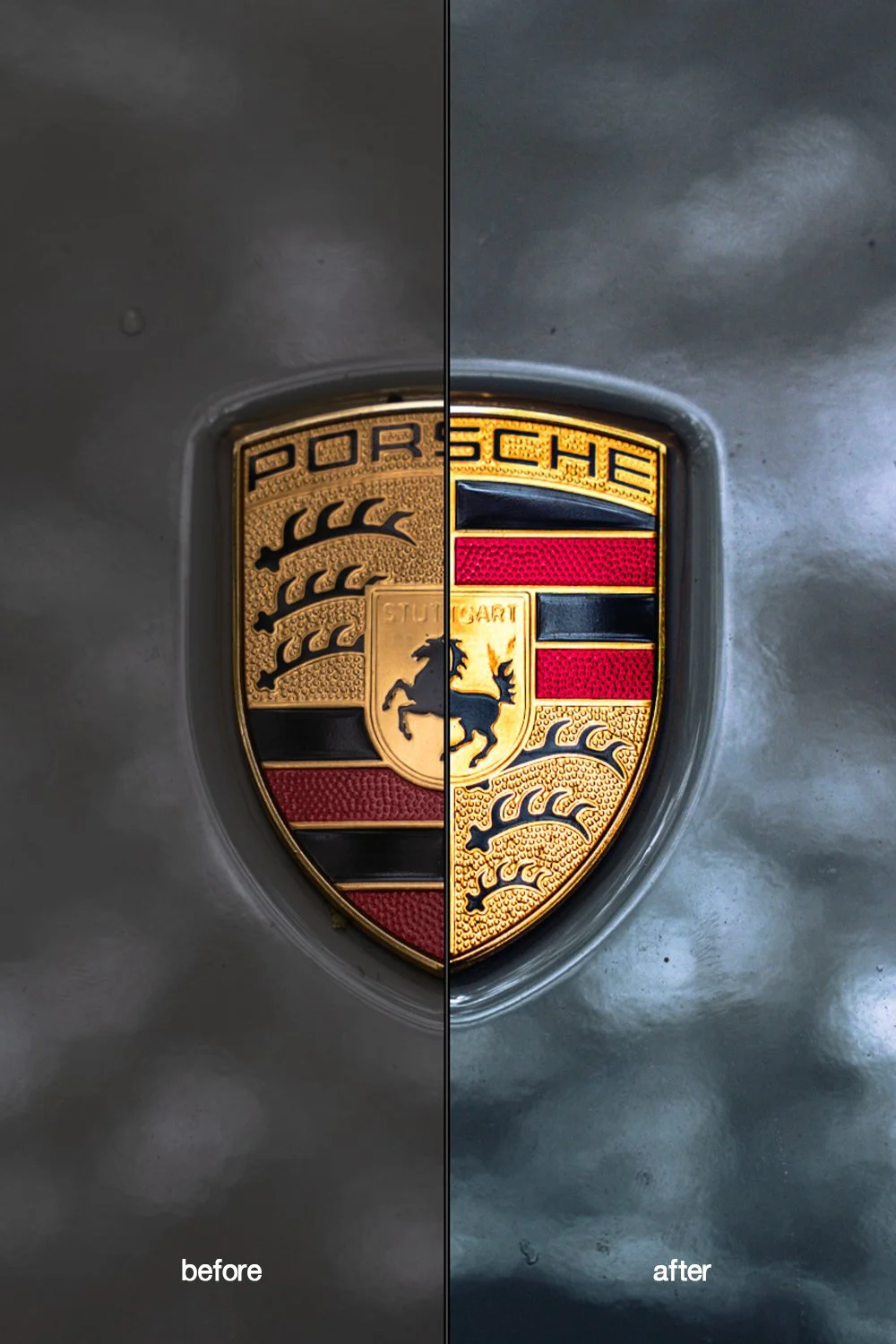
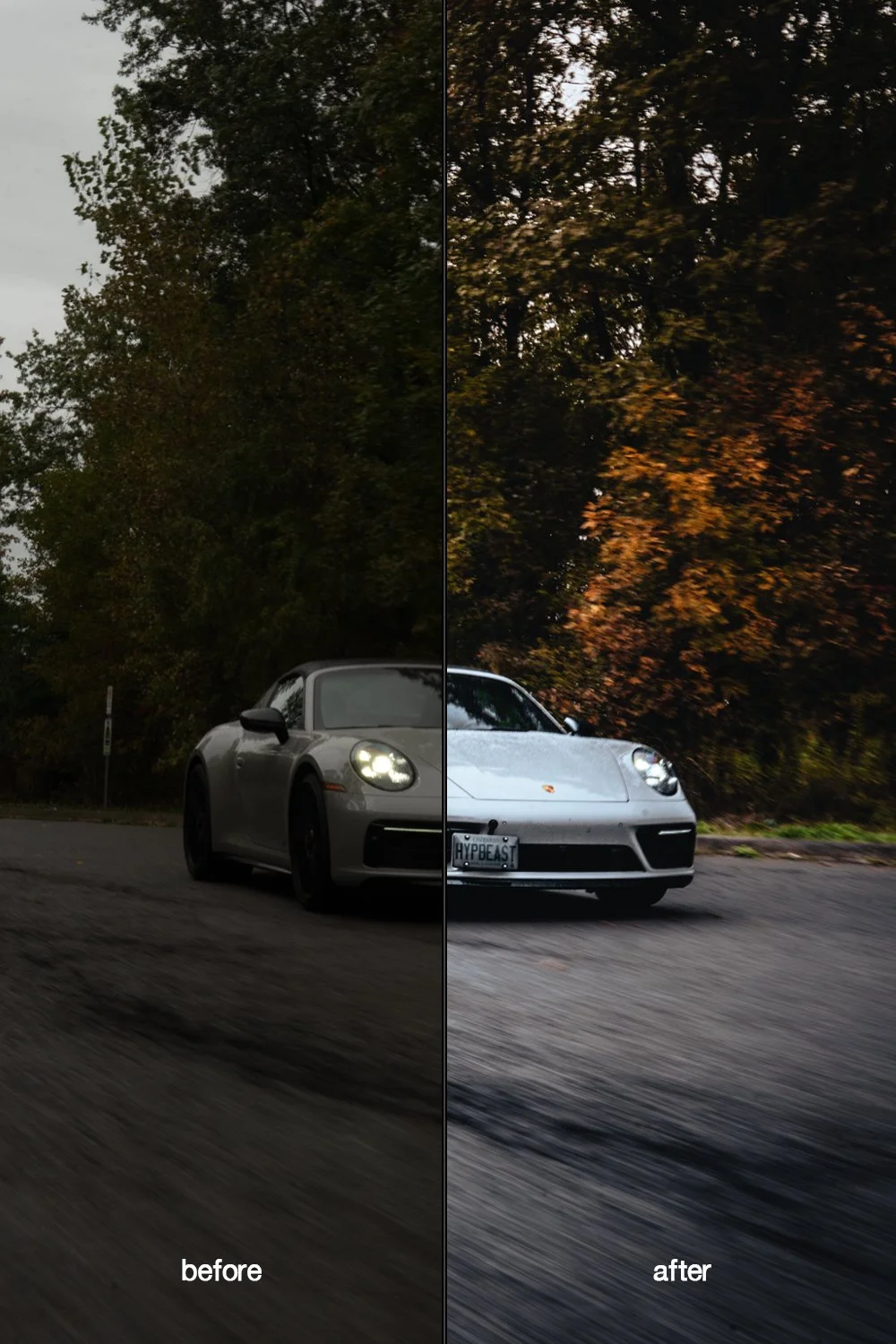
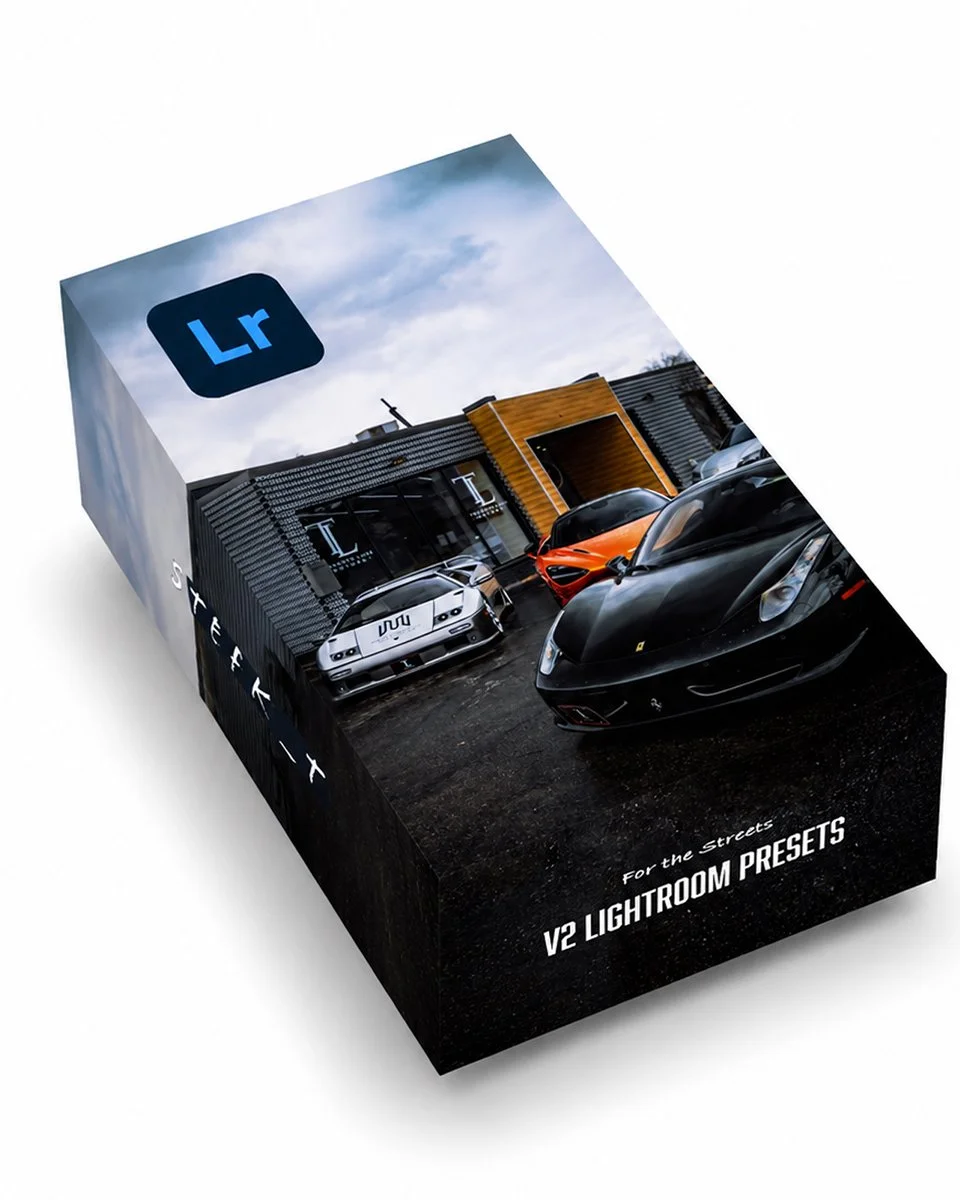
Transform your photos in seconds with my new VII Lightroom Preset Pack.

This collection features 25 of my most-used presets I rely on across nearly every shoot, regardless of the subject, lighting, or conditions. Designed to deliver consistent, professional results, these presets represent the core styles that form the foundation of my personal editing workflow.

AUTOMOTIVE • STREET • LIFESTYLE

INCLUDED:

  • 25 Lightroom presets compatible with PC & mobile

  • 25 original RAW photos for practice

Transform your photos in seconds with my new VII Lightroom Preset Pack.

This collection features 25 of my most-used presets I rely on across nearly every shoot, regardless of the subject, lighting, or conditions. Designed to deliver consistent, professional results, these presets represent the core styles that form the foundation of my personal editing workflow.

AUTOMOTIVE • STREET • LIFESTYLE

INCLUDED:

  • 25 Lightroom presets compatible with PC & mobile

  • 25 original RAW photos for practice

Extract the ZIP file (to your desktop computer, not to your phone).
Open Lightroom and go to the Presets section. Click on File > Import Profiles & Presets.
Select the presets ZIP file(s) and click Import. → Selecting the ZIP file.
Restart LR and your presets will now be listed in the Presets section.
If you have any questions you can reach out to me by email or Instagram.